Modern file explorer
Windows computers come with a built-in file explorer. However, while it is reliable, it's not much of a looker and is in dire need of a modern facelift. Here enters, Files. It is a free-to-use UWP- based file explorer developed by Yair Aichenbaum. It merges file management with modern design to make it more in line with modern devices and Windows 10. However, while it works as the default file explorer, this is not a full replacement.
What is the Files app?
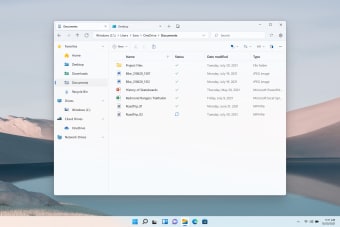
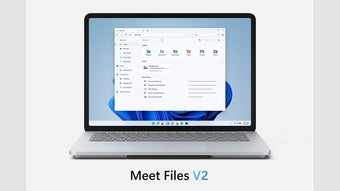
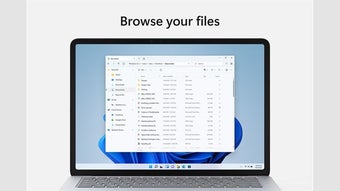
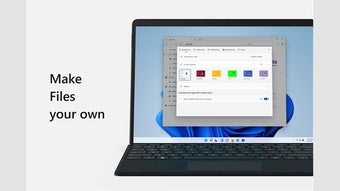
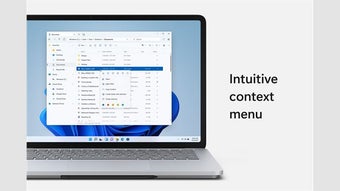
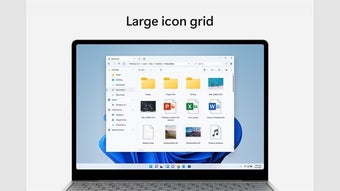
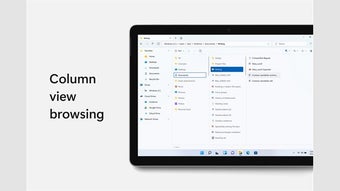
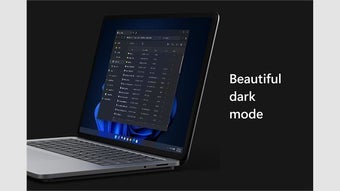
The first thing that users will notice upon launching Files is how well it complements the overall design of Windows 10. The utility software utilizes Fluent Design, has light and dark modes, and has icons that match the Windows OS. In fact, the app looks much more like it should be the built-in file explorer for Windows 10 instead of the dated-looking default one.
The app’s selling point is not just its pretty looks. It also adds features and functionalities that the default one does not have. The biggest of which is the tab support. With the app, you can now open up new tabs and keep them open simultaneously. More than that, you can drag and hold an item over a tab or folder to open that location. This also lets you place files into a specific location within a folder.
What makes the Files app amazing is its ability to handle OneDrive files. You can manage OneDrive files or free up space in your account. The app is touch-friendly and mouse-friendly, meaning it works well on desktops, laptops, and tablets. However, it's not quite a full replacement for the native file explorer. Some features still need improvement as well as its overall performance. As it is now, it takes time to load file locations and folders at the same time.
The modern way to manage your file
The Files app is the modern version of the built-in Windows 10 File Explorer. It is more touch-friendly and mouse-friendly and comes with nifty functions that make it easier to use. It is fun to use and, in some situations, can be part of your workflow. However, as it is right now, the app still needs some optimization before it can really replace the native file manager.